Daily Operation
Last updated: May 12, 2026
We recommend using the automatic scheduling system for turning on/off ValoArena. If you
need to turn on the system outside the scheduled hours use the power button provided
with the system. If for whatever reason you need to shutdown the system outside the
schedule please login on the entry touchscreen to access the admin settings and select
“Shutdown” from there. Be aware that cutting off the power of the system by unplugging
the device may cause serious hardware and software issues.
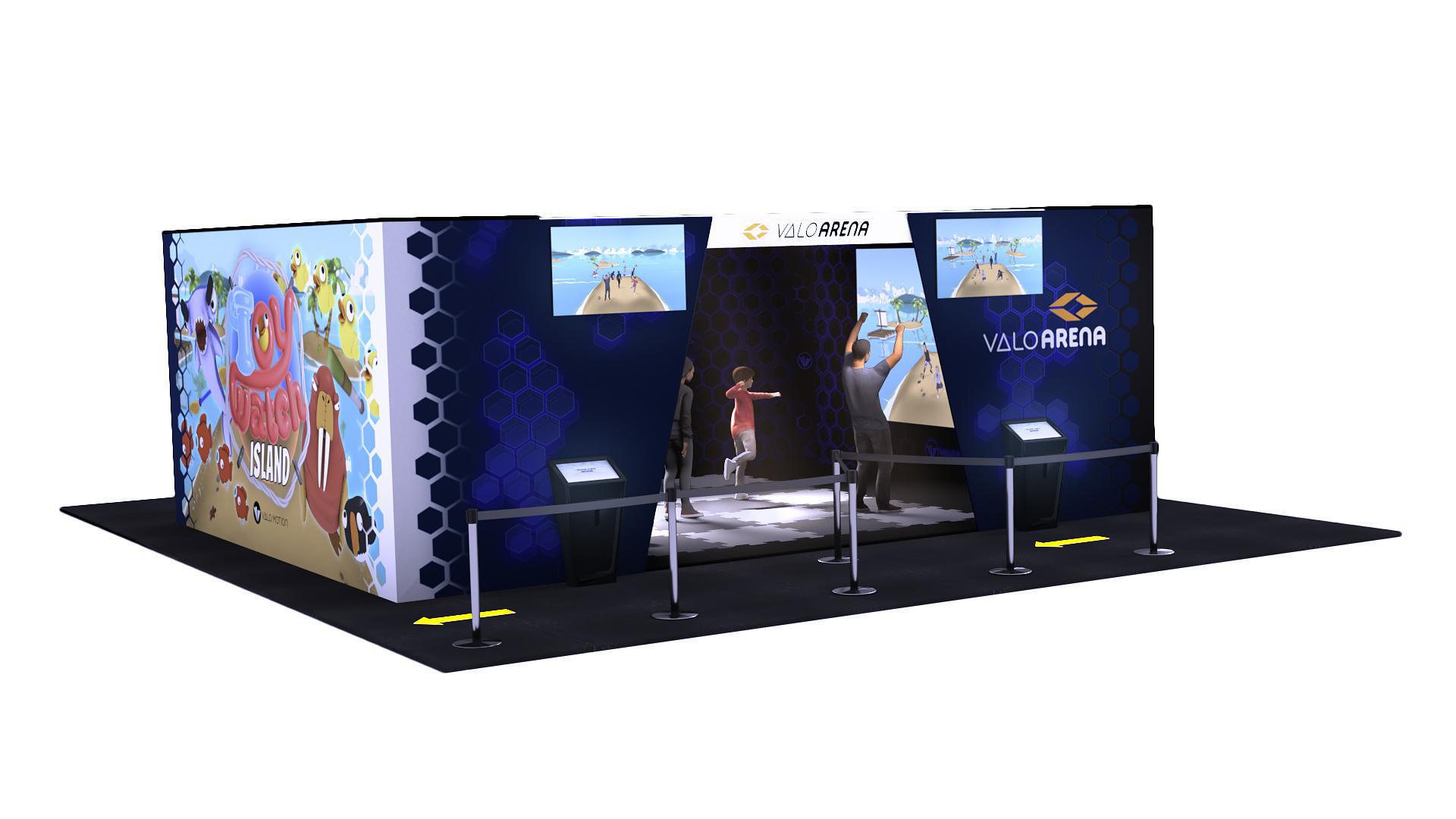
To ensure unstaffed usage of the system, please clearly mark the entrance and exit to
ensure that the designed entrance leads to the entry touchscreen. In addition to having a
designated exit for the exit touchscreen. Floor wayfinding is highly recommended.
Admin Settings
You can access the admin settings on the entry touchscreen by clicking on “settings” in the
upper right corner of the screen. Entering the settings requires a password which can be
setup when the system is started up for the first time. Below is a list of the admin settings
and the operations that can be performed within each.
System:
● Restart system
● Shutdown System
● Change password
● View system version and serial number
Sound:
● Adjust volume
● Adjust idle volume (i.e. nobody is playing)
Games:
● Enable/Disable games
● Enable/Disable levels
Operation Mode:
● Modify operation modes (Free play, Pay-Per-Player, Reservation)
● Select payment type (Card, Bracelet, Coins, Code)
● Select reservation duration (e.g. how many minutes per reservation)
Note: Using payment options other than Free play requires ValoArena Premium version
Videos:
● Enable/Disable video sending
● View queue and status of sent videos